High-volume refill teams

Refill teams running hundreds of blockers a day.

When the queue is measured in hundreds, triage decides the day. Refillops gives the team a shared rhythm and a fair distribution of work.
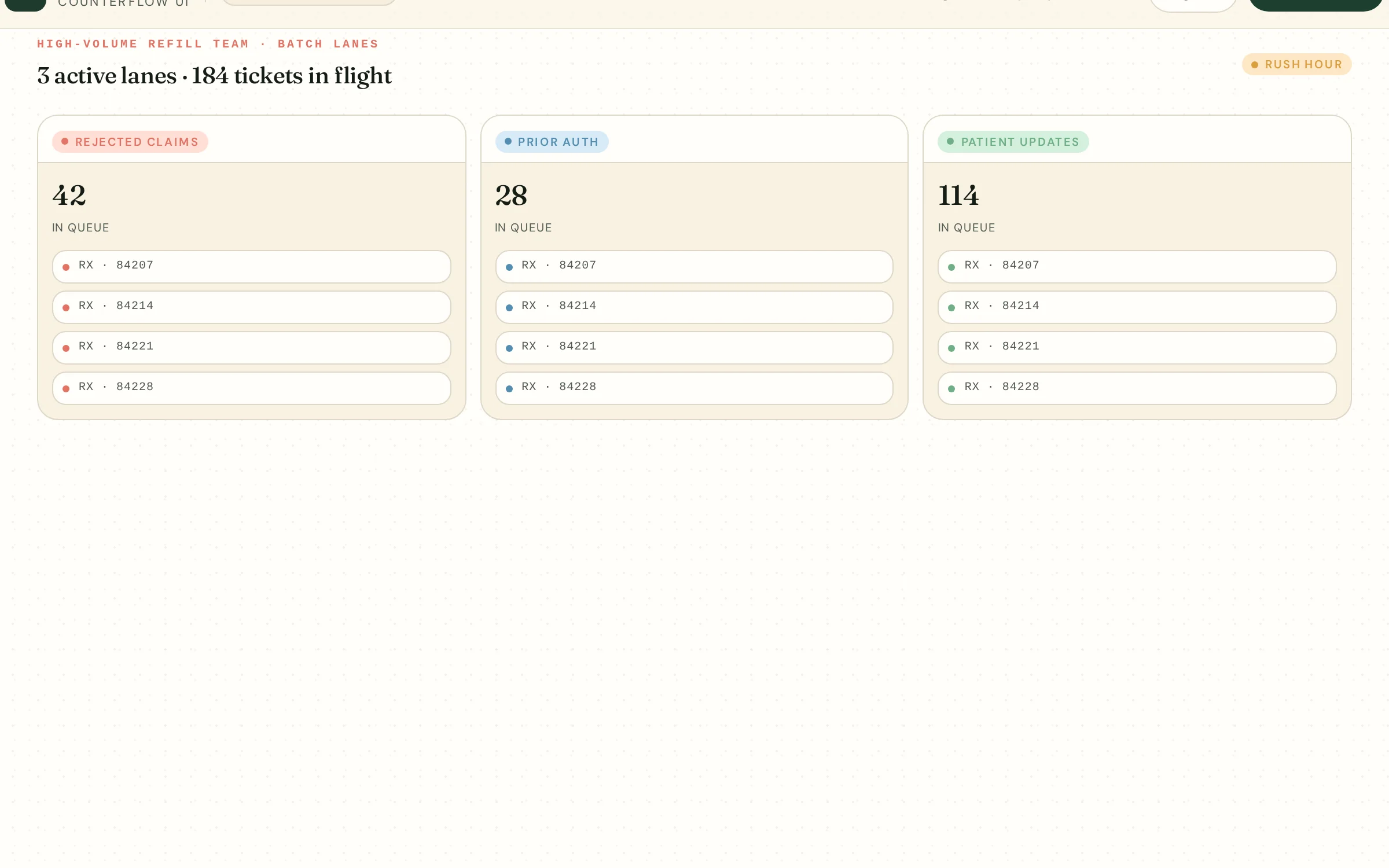
High-volume refill desk inside Refillops

Where it hurts

The blockers slowing this counter down.

  • Triage depends on whoever opens the queue first.
  • Reject codes get worked unevenly across the team.
  • Patient call volume spikes when SLA timers slip.
  • Reporting is manual and always a week behind.

The workflow

How Refillops fits this team's day.

  1. Step 01

    Auto-route

    Assign by reject code, payer, or owner pool.

  2. Step 02

    SLA timers

    Surface aging blockers before patients call.

  3. Step 03

    Batch resolve

    Group similar rejects and clear them together.

  4. Step 04

    Daily review

    End-of-day metrics by owner and queue.

Common blockers

The reasons prescriptions stall here.

Reject 70

Product not covered — batch alt NDC retry.

Reject 79

Refill too soon; schedule for fill window.

PA needed

Route to PA queue with template ready.

No refills

Outreach batched per prescriber office.

Status surge

Patient updates sent before queue gets calls.

Resolved

Closed with reject code logged for reporting.

How Refillops helps

What changes when it's running.

  • Reject codes get worked by the right owner, every time.
  • SLA timers prevent calls before they happen.
  • Batch actions cut repetitive resolution time.
  • Reporting is live, not assembled from spreadsheets.

What the team sees

The blocked queue, this team's edition.

Rx · 9210030m

Aisha N.

Lisinopril 20mg

Reject 70

Owner · Team · Rx-A

Rx · 921181h

Robert P.

Atorvastatin 40mg

PA needed

Owner · Team · PA

Rx · 9212145m

Linda S.

Levothyroxine 50mcg

No refills

Owner · Team · Rx-B

Rx · 92135

Eli M.

Sertraline 50mg

Resolved

Owner · Team · Rx-A

Common workflow example — illustrative, not a real customer or patient.

Implementation-ready checklist

Roll it out without disrupting the counter.

  • 1Define owner pools by reject code or payer.
  • 2Set SLA timers per queue and per reject family.
  • 3Standardize batch resolution templates for top 5 rejects.
  • 4Decide pharmacist review checkpoints for batched actions.
  • 5Schedule a daily 10-minute team queue stand-up.
  • 6Review queue and reject metrics weekly with leads.